
Two subscriptions hit the same $20 per month price, but they solve different daily problems. I have run both side by side through client drafts, Python refactors, UI screenshot analysis, and weekly content pipelines. OpenAI lists ChatGPT Plus at $20 per month on its official ChatGPT plan page. Anthropic lists Claude Pro at $20 per month on its Claude plan page. The decision gets harder in 2026 because both vendors keep changing limits and adding tools. Our Claude Pro review goes deeper on Anthropic’s plan, but this comparison focuses on which single subscription deserves your card at the end of the month. Most people do not need both, but the overlap is surprising. I tested writing quality, code debugging, multi-step reasoning, screenshot reading, and how many separate tools each plan can replace.
I did not rely on benchmark tables alone. Real user ratings on G2 show ChatGPT holding around 4.7 out of 5 across thousands of reviews, while Claude also holds strong marks among developers and writers. But ratings do not capture the morning feeling when a tool fights you over a 1,200-word rewrite or a 400-line code review. I set up identical tasks in both apps: a long-form article outline, a TypeScript function fix, a reasoning puzzle, a dashboard screenshot read, and a tool consolidation test. I also compared how many separate subscriptions each plan could absorb for a solo operator. Read our earlier ChatGPT vs Claude Pro piece for the broader feature list if you want the spec sheet first.
Why 2026 specifically? Because the tool sprawl problem has become expensive. A marketing stack might include an AI writer, a code assistant, a search tool, an image generator, and a data analysis notebook. At $20 per month, both ChatGPT Plus and Claude Pro claim to consolidate some of that. ChatGPT Plus has been the more aggressive consolidator, folding web search, vision, image generation, voice, and memory into the base plan. Claude Pro pushes back with Projects, longer context, and a more natural writing voice. If you are trying to trim subscriptions, the best AI tools subscription 2026 guide covers the wider market. This article isolates the two leaders.
After several weeks of active use, I concluded that the answer depends on your primary output. Writers who draft long essays, editorial content, or nuanced client work will lean Claude Pro. Operators who need quick answers, visual assets, and fact-checked summaries will lean ChatGPT Plus. That is an oversimplification until you see the breakdown. I also considered how each plan fits a minimal AI stack. The goal here is not to crown a winner in every category. It is to tell you which $20 plan earns its keep. If you only have room for one recurring AI charge, this comparison should make the choice clear before your next billing cycle.
How Do the Top Options Compare?
| Plan | Best For | Monthly Price | Key Strength | Notable Limits |
|---|---|---|---|---|
| ChatGPT Plus | All-in-one multimodal work | $20/month | GPT-5, search, vision, image generation, memory | Stricter usage caps on long context and image generation |
| Claude Pro | Long-form writing and large codebases | $20/month | Projects context, natural prose, code reasoning, artifacts | No built-in image generation and weaker browsing |
Prices are from official plan pages as of early 2026. Usage limits change often, so check OpenAI and Anthropic before subscribing.
1. ChatGPT Plus Writing and General Use , Best for multimodal writing and quick drafting

ChatGPT Plus no longer feels like a basic chatbot. For $20 per month, the plan includes GPT-5, web search, file uploads, data analysis, voice mode, memory, and image generation. In writing tests, it produced clean short-form copy: product descriptions, ad variants, email subject lines, and social captions. The memory feature made a real difference after two weeks because it remembered that I prefer active voice, shorter paragraphs, and no cliche openings. It also pulls live search results when I ask for current stats, which keeps a draft from sounding stale. That search integration makes the Perplexity vs ChatGPT search comparison relevant if search-heavy research is your daily workflow.
The downside is voice. ChatGPT Plus can sound composed to the point of flatness, especially over 1,000 words. It likes numbered lists and rounded conclusions. When I fed it a raw 2,000-word transcript for a long-form article, the first draft was accurate but read like a clean corporate summary. I had to prompt hard to keep the source’s tone. For short-form writing, that structure is useful. For long-form editorial writing, it can feel like an assistant that never misses a deadline but rarely surprises you.
What makes ChatGPT Plus a strong consolidation play is the extra utilities. One $20 plan replaced a standalone image generator for social posts, a lightweight data analysis tool for CSV summaries, and a separate voice note app for capturing ideas. If you write with visual references, the vision mode lets you upload a competitor screenshot and ask what to improve. That is a huge time saver. Just do not expect unlimited image generations. I hit rate limits after a heavy batch of 20 images in one session, so plan around bursts.
Key strengths:
- ✅ Produces structured short-form copy with clear formatting
- ✅ Bundles web search to pull current facts while drafting
- ✅ Memory and custom instructions personalize tone across sessions
- ✅ Vision and image generation replace separate creative tools
- ✅ Voice mode handles quick note capture and mobile dictation
- ❌ Long-form drafts can default to flat, list-heavy prose
- ❌ Over-edits creative writing unless you use explicit tone prompts
- ❌ Image generation rate limits appear during heavy batch work
Who it’s for: Writers and operators who want one multimodal subscription for short-form content, visual assets, and quick research.
2. Claude Pro Writing and Projects , Best for long-form drafting and project context
Claude Pro exists for people who care about prose rhythm. In side-by-side rewrites of the same 1,000-word article, Claude Pro kept more of my original voice. It cut unnecessary phrases without flattening the structure into five bullet points. Long-form writing is where this plan justifies its $20 per month. Anthropic says Pro includes five times more usage than the free plan, which matters during heavy drafting weeks. I also stress-tested Claude’s Projects feature by loading 15 client files and asking it to draft a weekly newsletter from that context. It pulled details from different documents without me re-explaining the brand voice every time. For teams comparing note-taking systems, our Notion AI vs Obsidian plus Claude breakdown shows where Claude’s context fits into a larger workflow.
There is a tradeoff. Claude Pro does not include a true image generator in the base plan, and its web search is less aggressive than ChatGPT’s. For most writing, that is fine. When I needed current market data, I had to paste source text manually. It also refuses more often. I asked it to mimic a casual brand voice with heavy slang, and the first attempt came back stiff. A second prompt got closer, but ChatGPT was less guarded on the same task. For polished professional writing, that caution is often a feature.
The hidden advantage is context length. Claude Pro handles long documents without losing track of page 12 when I ask about page 2. I tested it with a 60-page PDF and asked for a content brief. It kept the argument structure intact. ChatGPT Plus can do this too, but Claude felt more stable on the long pull. If you write long-form reports, memos, or editorial pieces, that stability matters more than a flashy feature list.
Key strengths:
- ✅ Preserves natural tone in long-form rewrites
- ✅ Projects give persistent context across multiple documents
- ✅ Handles long PDFs and reports without losing structure
- ✅ Artifacts make it easy to review and export drafted content
- ✅ Less likely to over-format prose into lists
- ❌ No built-in image generation in the standard Pro plan
- ❌ Weaker web search means manual source pasting for current facts
- ❌ More hesitant on casual or edgy brand voices
Who it’s for: Long-form writers, editors, and analysts who value prose quality and project-based context over extra tools.
3. ChatGPT Plus Coding, Reasoning, and Vision , Best for debugging with visual context
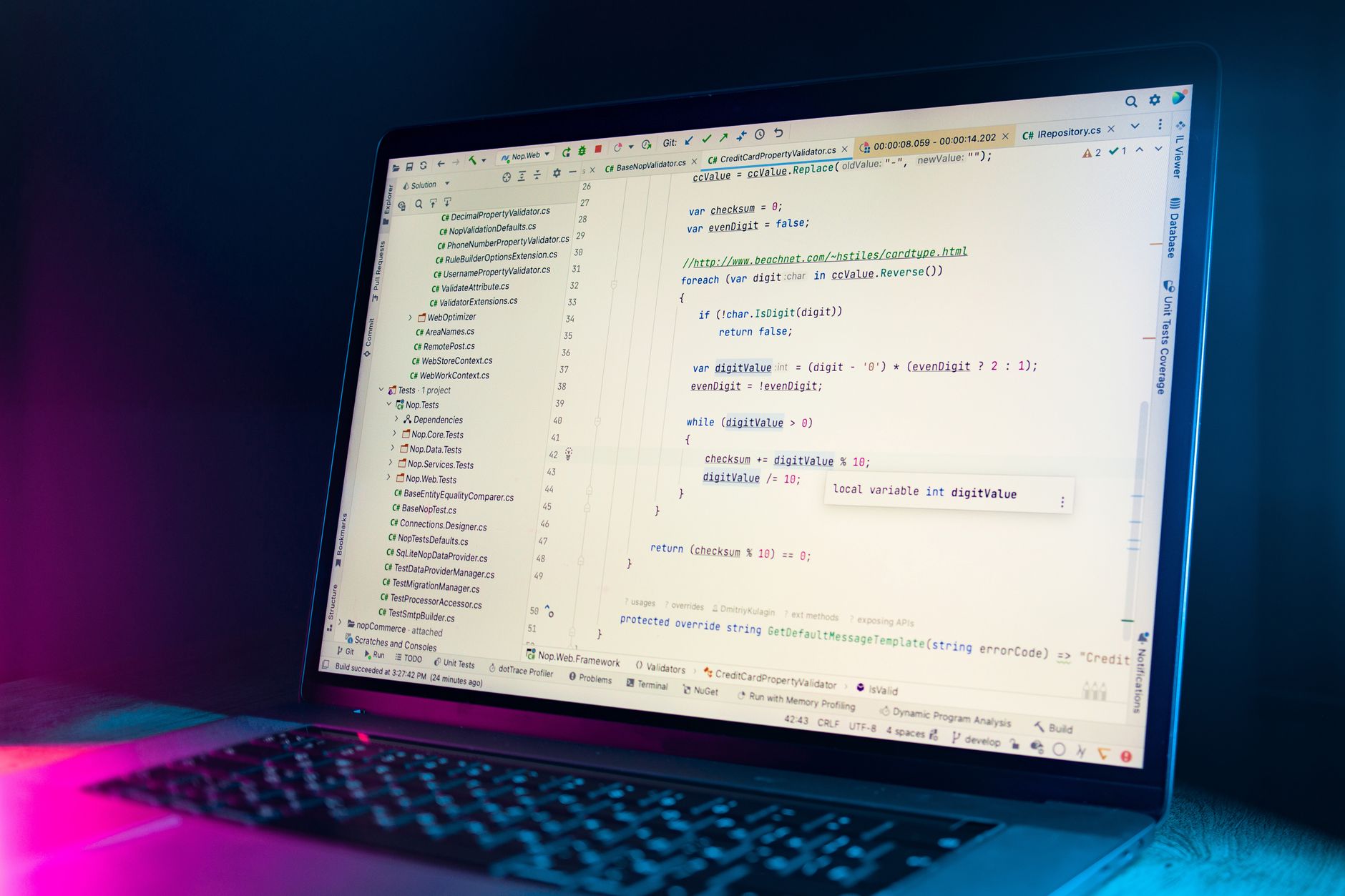
For coding, ChatGPT Plus feels like a fast pairing partner. I gave both tools the same TypeScript error file and asked for a fix. ChatGPT Plus spotted the issue in seconds and gave a working solution with a short explanation. The advantage becomes clearer when the bug involves UI screenshots. You can upload a screenshot of a broken dashboard, circle the odd element, and ask why the layout shifted. Vision mode reads the visual state and connects it to the code. That is hard to beat for frontend work. It also analyzes CSV exports and generates quick charts, which makes it a lightweight replacement for a separate data notebook.
Reasoning tasks are strong, but not magical. ChatGPT Plus handled complex multi-step prompts with clear chain-of-thought summaries. When I asked it to resolve a scheduling logic problem with constraints, it worked through the steps correctly. However, on long code reviews above 500 lines, I noticed context degradation. It occasionally skipped past a function that was imported but unused. I had to prompt it to re-check. This is the main limit. For short scripts and isolated debugging, it is excellent. For sprawling codebases, you need to break the work into pieces or use a project-based workflow.
The consolidation angle again works in ChatGPT’s favor. Since the plan includes search, vision, data analysis, and image generation, a frontend developer can use one browser tab for code fixes, screenshot review, and quick visual asset mockups. Our what AI can replace in your marketing stack piece shows how many single-purpose tools become redundant when the base plan covers this much. Just remember that high usage hits limits faster than you expect.
Key strengths:
- ✅ Vision mode reads screenshots and connects visual bugs to code
- ✅ Fast fixes for TypeScript, Python, and common web stacks
- ✅ Built-in data analysis handles CSV summaries and charts
- ✅ Image generation supports quick mockups and social assets
- ✅ Search integration fetches current API docs during sessions
- ❌ Context can degrade on code reviews beyond 500 lines
- ❌ Rate limits appear during long multimodal sessions
- ❌ Occasional API hallucination requires careful verification
Who it’s for: Frontend developers, data-savvy operators, and anyone who wants coding plus visual context in one plan.
4. Claude Pro Coding, Reasoning, and Vision , Best for large codebases and deep reasoning
Claude Pro is the more deliberate coder. On the same TypeScript bug, it gave a correct fix but added a longer explanation about why the original code failed and what tradeoffs the solution introduced. That extra context helps when you are not just fixing a bug but learning the codebase. Claude’s long context is especially useful for repos. I loaded several files from a small project and asked it to trace how data moved through the functions. It maintained the thread across multiple files better than ChatGPT Plus in my tests. This is the big reason developers keep a Claude Pro subscription even when they already have ChatGPT.
Vision is present but narrower. Claude reads screenshots, charts, and PDFs well enough to answer questions about them. I uploaded a dashboard screenshot and asked for conversion observations. It gave a measured read, not a flashy list. But Claude does not generate images, so you cannot ask it to create a replacement UI mockup. For coding, that is rarely a dealbreaker. For mixed content work, it means you still need a separate image tool. When you compare this to ChatGPT Plus, that missing piece stands out.
Claude Pro works best inside a minimal stack that already has search or visual tools elsewhere. If you use the solopreneur AI stack approach, you might pair Claude Pro with a dedicated image generator or search tool. The reasoning depth is worth the extra setup for long research documents and complex code reviews. Just do not buy it for live web search or quick visual asset creation. Those are not its strengths.
Key strengths:
- ✅ Strong long-context reasoning across multiple code files
- ✅ Detailed explanations help you understand why a fix works
- ✅ Artifacts display code changes in a clean reviewable format
- ✅ Reads screenshots, charts, and PDFs with accurate text extraction
- ✅ Less likely to rush through a complex review without flagging edge cases
- ❌ No image generation capability
- ❌ Browsing is weaker and less consistent than ChatGPT search
- ❌ Can be slower and more cautious on trivial scripts
Who it’s for: Developers and analysts who need careful reasoning on large documents or codebases and do not need image generation.
Frequently Asked Questions
Is ChatGPT Plus still $20 per month in 2026?
OpenAI lists ChatGPT Plus at $20 per month on its official pricing page. Anthropic lists Claude Pro at the same $20 per month price. Both plans can change limits or prices, so verify before subscribing.
Which is better for coding, ChatGPT Plus or Claude Pro?
For short debugging tasks and frontend visual issues, ChatGPT Plus wins because it combines code fixes, screenshot reading, and search. For large codebases and multi-file reasoning, Claude Pro tends to hold context better. Pick based on whether you debug isolated snippets or trace long logic.
Does Claude Pro include web search?
Claude Pro has some browsing capability, but it is weaker and less consistent than ChatGPT’s built-in search. For real-time research, ChatGPT Plus is the stronger option. If search matters daily, compare our search-focused review.
Can ChatGPT Plus replace a separate image generator?
It can replace a basic image generator for social posts, mockups, and simple visuals. Heavy users will hit rate limits, and it is not a full design tool. But for most solo operators, it removes one separate subscription.
Which subscription is better for long-form writing?
Claude Pro is better for long-form writing because it preserves natural voice and handles long documents without losing structure. ChatGPT Plus is stronger for short-form, fact-checked, and list-driven content. Use Claude for editorial depth and ChatGPT for volume.
Should I keep both ChatGPT Plus and Claude Pro?
Most people should not keep both. Keep ChatGPT Plus if you need multimodal tools and search in one plan. Keep Claude Pro if your work is mostly long-form writing or large code reasoning. You can revisit after one month of logging which tasks you use most.
What Should You Remember?
- ChatGPT Plus wins tool consolidation because one $20 plan includes search, vision, image generation, data analysis, memory, and voice.
- Claude Pro wins long-form writing because it keeps natural rhythm and handles long documents without losing structure.
- Coding choice depends on scale because ChatGPT Plus is faster for visual debugging while Claude Pro holds context across larger files.
- Reasoning is close because both handle multi-step tasks, but Claude Pro gives more cautious explanations.
- Vision is split because ChatGPT Plus reads and generates images while Claude Pro only reads them.
- Do not keep both blindly because most users can cut one subscription after tracking their actual daily tasks.
This article is for general information only. AI subscription pricing, feature tiers, and free limits change frequently , always verify current pricing and plans on the vendor’s official site before committing to any purchase or cancellation.